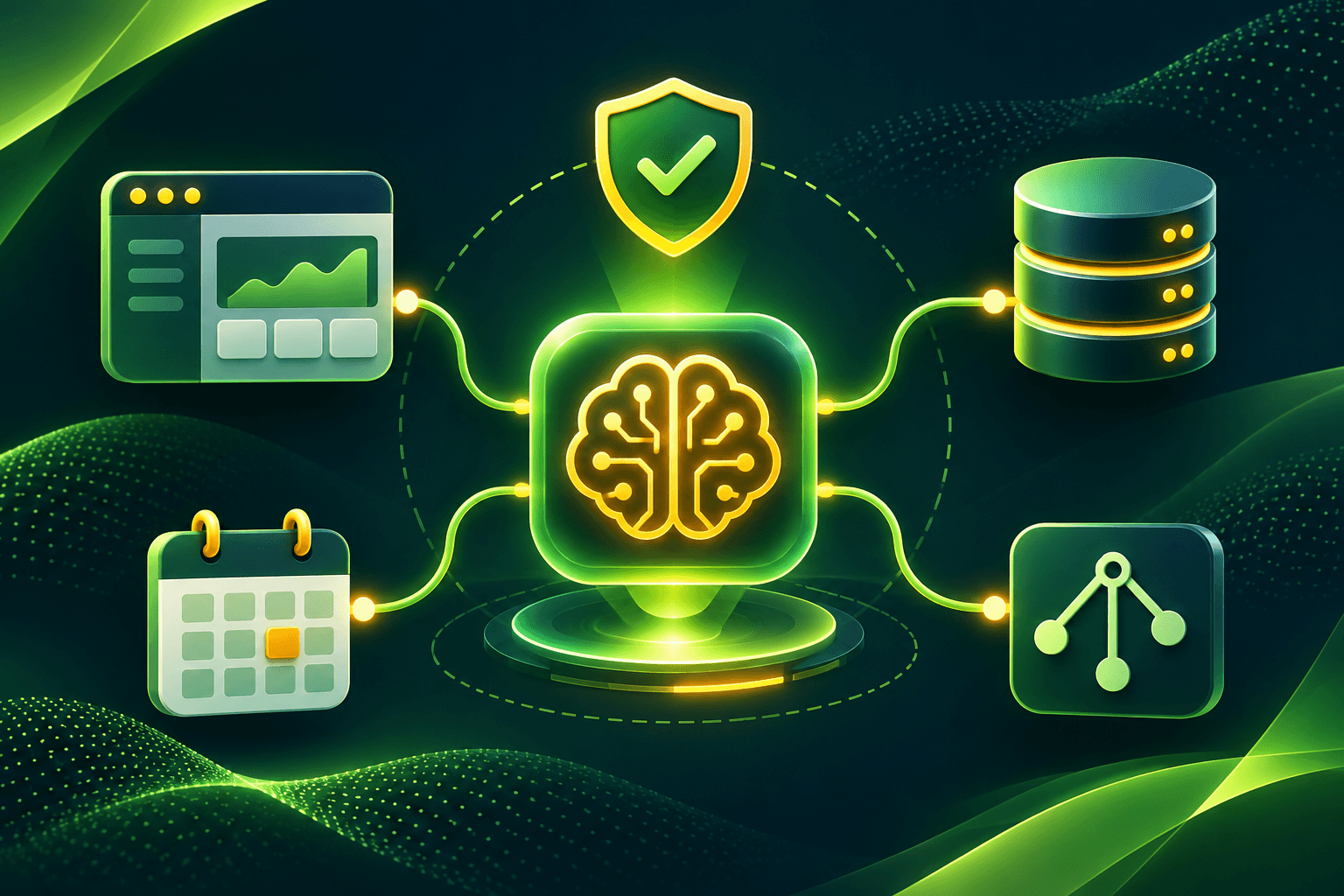
The safest way to adopt agentic AI is to treat it as a software workflow with explicit boundaries. Start with one well-defined task, give the agent only the access it needs, and decide where a person must review the result.
What makes an AI agent different?
A standard chatbot mainly produces an answer. An agent can also call tools: search a knowledge base, create a draft, update a record, or hand work to another system. The model may choose steps based on information it receives, while the application remains responsible for permissions, validation, and whether an action is allowed.
A language model’s confidence is not an authorization check. The application should enforce access rules even when the agent proposes an action.
Choose a workflow that is worth automating
Look for a repeatable process that requires people to read information, apply a known policy, and move work between systems. Examples include summarizing support requests, routing enquiries, finding internal documentation, or preparing a first draft for review.
Keep the first version narrow. Avoid beginning with tasks that make irreversible decisions, move funds, change legal or medical records, or send external messages without review. If a workflow can be handled more reliably with a simple rule or form, an AI agent may add unnecessary complexity.
Map the workflow before connecting tools
Write down the task in plain language before implementation. Define:
• Trigger: What starts the workflow, and who is allowed to start it?
• Context: Which records may the agent read, and which data is out of scope?
• Decision: What policy or criteria should guide the agent?
• Actions: Which tools can it call, and what can each tool change?
• Review: Which actions require a person’s approval or escalation?
• Success: How will you measure correctness, time saved, and exceptions?
This map turns a vague request such as “automate support” into a testable workflow with clear boundaries.
Limit access and validate every action
Give each agent only the tools and data needed for its assigned job. Prefer read-only access where possible. Separate drafting from sending, and require confirmation before actions that affect customers or business records. Validate tool arguments on the server, check that the current user has permission, and reject actions outside the approved workflow.
Use structured outputs for important decisions, such as a category, record identifier, or proposed action. Validate those outputs against allowed values before passing them to another system. Treat documents, emails, webpages, and retrieved text as untrusted input: content found in a source should not be able to change the agent’s instructions or expand its permissions.
OWASP’s security guidance for AI systems highlights excessive agency and the need to control what actions an AI system can take. Human review and tool guardrails are useful when an action has real side effects.
Put a human approval at the right boundary
Approval should happen immediately before a consequential action, with enough context for a reviewer to decide. Show what the agent plans to do, which data it used, and the expected effect. A reviewer should be able to approve, edit, or reject the action.
Avoid making people approve every harmless step. Instead, define risk tiers. For example, an agent may classify a request and prepare a reply automatically, while a person approves before it is sent. Escalate cases that are ambiguous, outside policy, or based on incomplete information.
Test the workflow, not just the model’s answers
Before launch, create realistic test cases from common requests, unusual edge cases, and known failure modes. Check whether the agent selects the correct tool and supplies valid arguments; respects permission boundaries; handles misleading source content; asks for help instead of guessing; and produces results a human can verify.
Track more than response quality. Measure task completion, factual corrections, policy violations, escalation rate, tool failures, and reviewer effort. Keep representative test cases and rerun them when prompts, tools, models, or business rules change.
For sensitive integrations, agent identity and authorization deserve their own design work. NIST’s recent work on software-agent identity and authorization describes this as an emerging security concern.
Roll out in stages
1. Observe: Let the system prepare recommendations while people continue the existing process.
2. Assist: Allow it to draft or organize work, with a person approving changes.
3. Automate low-risk steps: Enable limited actions that are reversible and easy to audit.
4. Expand carefully: Use evaluation results and incident reviews to decide whether more autonomy is justified.
Keep logs of the request, retrieved sources, tool calls, approval decision, and final outcome. Make it possible to pause the workflow and revert changes where practical.
A practical starting point
Choose one workflow with a clear owner and a measurable outcome. Connect one or two narrowly scoped tools. Start with read access and draft-only actions, add an approval gate before external or destructive changes, and evaluate the system against real examples before increasing autonomy.
AI agents can make software workflows more responsive, but useful automation depends on good product design, secure integrations, and clear accountability. Treat the agent as one part of the system—not as a replacement for the permissions and review processes around it.
Further reading
OWASP AI Agent Security Cheat Sheet: https://cheatsheetseries.owasp.org/cheatsheets/AI_Agent_Security_Cheat_Sheet.html
Agent guardrails and approvals: https://developers.openai.com/api/docs/guides/agents/guardrails-approvals
NIST on software-agent identity and authorization: https://www.nist.gov/news-events/news/2026/09/comments-software-and-agentic-ai-identity-concept-paper
These notes reflect real production experience. While tools evolve, system behavior — and the cost of poor decisions — remains remarkably consistent.