A website can load its homepage quickly and still feel slow when a customer opens a service, changes a filter or returns to a previous screen. For a business, those transitions are part of the product. A visitor trying to compare services or finish an enquiry needs useful content and clear feedback throughout the journey, not just a strong first impression.
What changed in October 2026?
On 16 October, the Next.js team published its work on improving navigation in v0 using Next.js 16.4. The discussion focuses on preparing useful destination content before a click and reusing appropriate cached content on return visits. It also examines the cost of prefetching pages that a visitor may never open. These are version-specific framework capabilities, not features every existing Next.js website automatically receives.
Our takeaway for a business owner is to make navigation a measurable requirement. Instead of asking only whether a site is fast, identify what a customer should see immediately after selecting a service or opening a dashboard. The right implementation depends on the application, its deployed framework version and the data involved; a framework upgrade alone is not a performance plan.
Prepare the next useful screen, not the entire website
Prefetching means preparing some destination resources before navigation. It can reduce waiting, but loading every possible destination can waste network capacity and server work. The Next.js case study describes choosing which content should be ready and monitoring infrastructure usage alongside the user experience. For a large catalogue or dashboard, select important journeys and test the trade-off instead of enabling aggressive prefetching everywhere.
Responsiveness and completed navigation are different checks
Google’s Interaction to Next Paint guidance measures how quickly a page responds visually to qualifying interactions. It recommends an INP of 200 milliseconds or less at the 75th percentile, evaluated separately for mobile and desktop. INP is not the time needed to finish a network request or load a complete destination. Measure both the immediate response and the time until the customer can use the next screen.
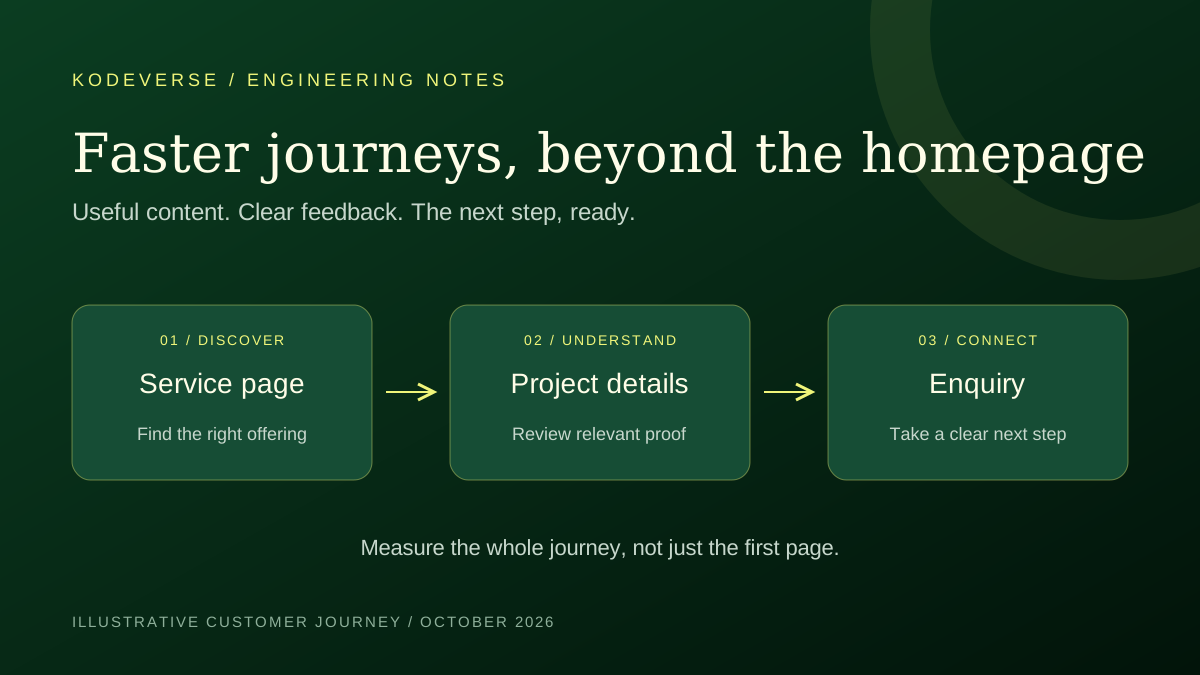
Start with three journeys: homepage to service details, project example to enquiry, and one important task inside any customer portal. Test an initial visit, a repeat visit, a slow connection and a typical mobile device. Note where a click appears ignored, where an empty screen appears and where a loading message remains after useful content could be shown. Keep lab observations separate from real-user measurements.
Keep private information and changing data correct
A fast account page is not useful if it shows another customer’s information or an outdated status. Define which content is public, which belongs to the signed-in user and which must be refreshed after a change. Include account switching, sign-out, permission changes and failed requests in the acceptance checks. Treat caching as a data-correctness decision as well as a speed technique.
What to ask your development partner
Ask for a short list of the journeys being improved, the current behaviour and the acceptance checks for each one. Agree how the team will compare results under the same conditions. Request an explanation of any added hosting or data-transfer cost, compatibility work and rollback approach. A proposal should separate a small navigation fix from a broader platform migration.
At Kodeverse Solutions, a useful starting brief is the page or workflow where customers wait, the action they are trying to complete, and any existing measurements. We review the current implementation before proposing changes. The examples in this article are planning guidance, not a claim of a particular speed improvement, conversion result or Next.js version used in a client project.